
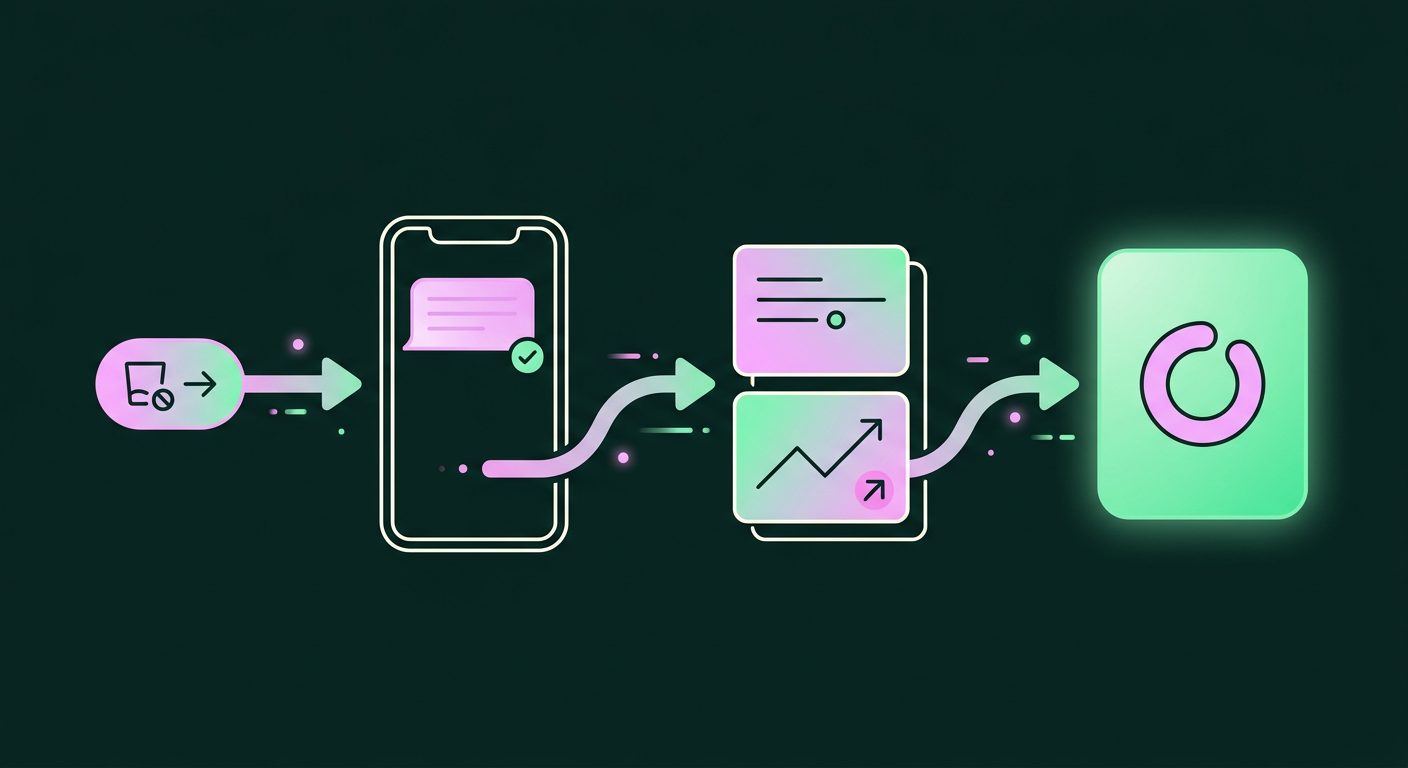
If you sell consumable products like supplements, skincare, or coffee, you’re likely losing repeat revenue in a way most analytics dashboards can’t see. A customer might love your product, but when they run out, life gets in the way. Instead of coming back to you, they grab a competitor's product or whatever's most convenient at that moment. The fix isn't necessarily a complex subscription program; it's a smart reorder reminder system that sends a perfectly timed, helpful nudge, making it effortless for them to buy from you again.
Stop Leaking Repeat Revenue
The challenge with consumables is that the purchase cycle is mostly invisible. After a customer buys a 30-day supply of vitamins, they're off the market for the next 29 days. The only day that matters is the one when the bottle runs empty, and if you aren't top-of-mind right then, you've probably lost the sale. A well-executed reminder system solves this by anticipating that moment. Instead of sending generic marketing, you can automate personalized reorder prompts (opens in a new tab) that feel less like a sales pitch and more like a thoughtful service. By focusing on helpful, individually tailored communication, you not only make it easy for customers to return but also build the kind of trust and engagement that creates long-term loyalty. This proactive approach turns a potential point of churn into a reliable source of repeat purchases.
Why Your Best Customers Are Buying Elsewhere
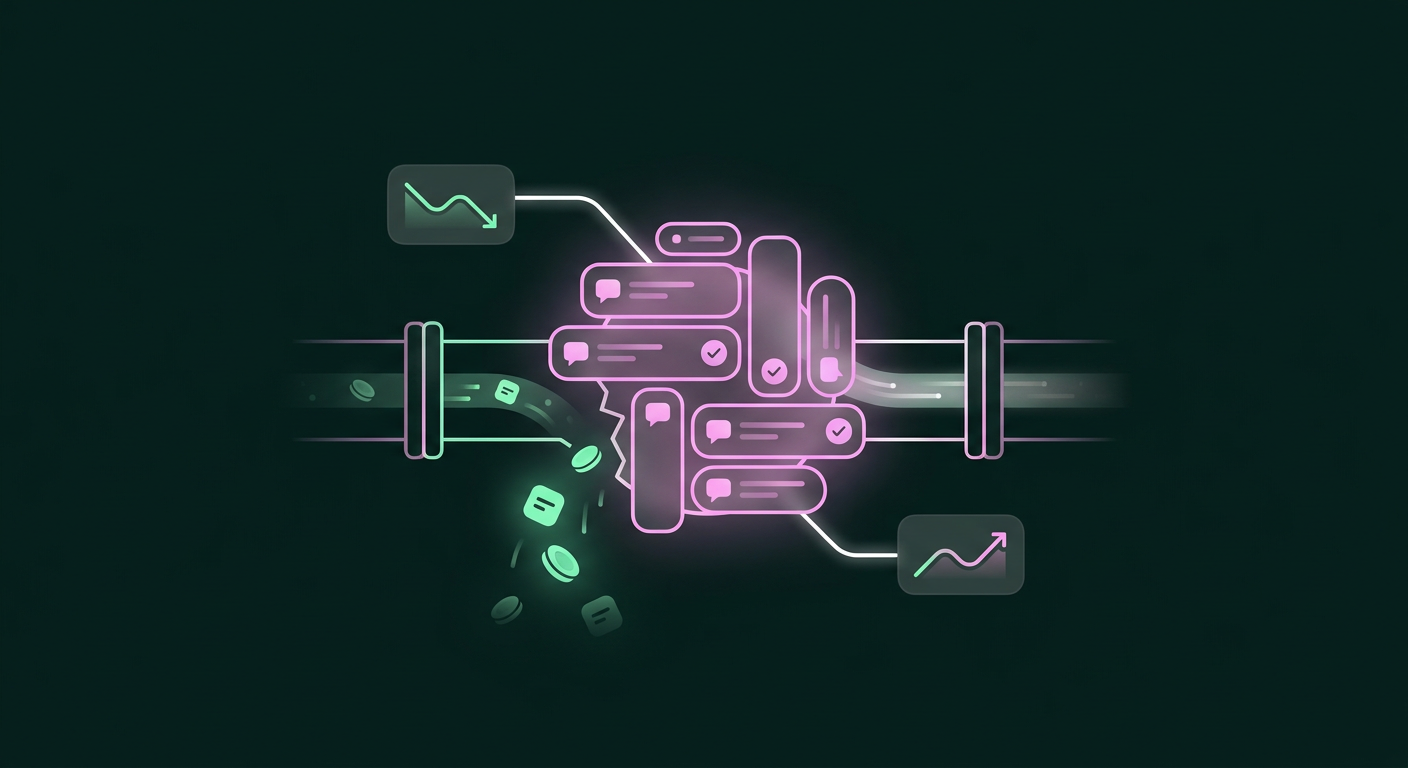
The reason even happy customers (opens in a new tab) stray usually isn't dissatisfaction. It’s the path of least resistance. When someone runs out of face cream or dog food, their immediate goal is to solve that problem quickly, and the decision of where to buy from next is often made in minutes. This is where competitors can swoop in, whether through a prominent search result or an aisle display at a local store.
This behavior is a perfect example of where nudge marketing can be incredibly effective. A "nudge" is a small prompt that influences a decision without being forceful. By highlighting factors like social proof or scarcity, brands can guide customers toward a specific choice (opens in a new tab). For a consumables brand, a reorder reminder is the ultimate nudge. You aren't trying to create demand from scratch; you're simply reminding a customer of a need they are just about to have. The goal is to make repurchasing from you the easiest and most obvious choice. Without that timely prompt, you leave the door wide open for them to discover a new "easiest option," and you lose out on predictable revenue from your most valuable customers.
How to Build a Reorder Nudge That Feels Helpful
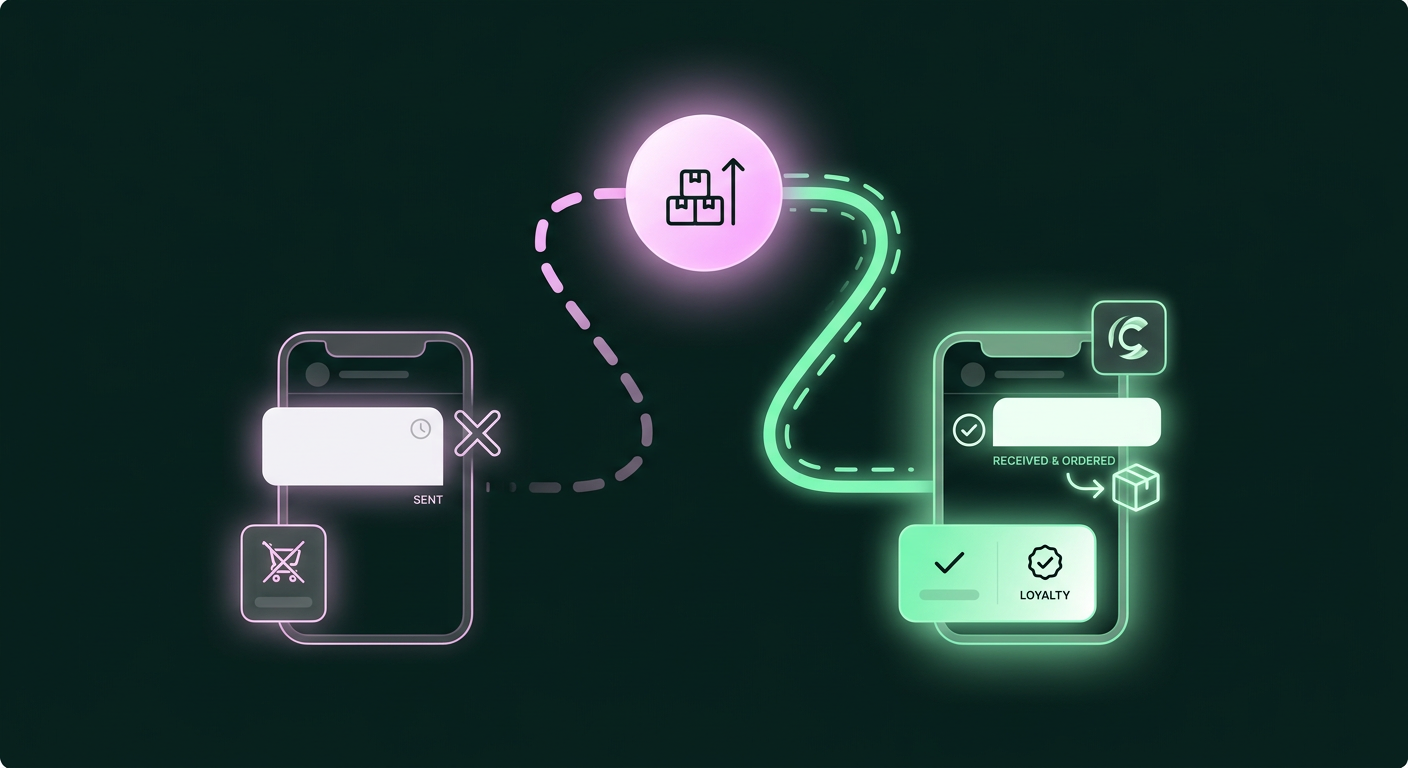
Creating a system that customers appreciate rather than ignore means moving beyond generic "we miss you" campaigns and delivering a precise message at a precise time. The entire process hinges on being genuinely helpful, which requires understanding product usage, choosing the right channel, and making the reorder process as simple as possible.
Phase 1: Calculate the Depletion Window
The most important factor in a successful reorder reminder is timing. If you send a prompt too early, it feels like pushy marketing. If you send it too late, the customer has already bought a replacement elsewhere. The sweet spot is the "depletion window," the period when the customer is just about to run out. The goal is to send the reminder when the customer is most likely to reorder (opens in a new tab), making your message feel prescient and helpful.
The best way to do this is to define a "usage period" for each of your products. A bottle of daily supplements might last 30 days, while a bag of coffee might last 14. By tracking the purchase date for each customer and product, you can build a personalized timeline. For example, a customer who buys a 30-day product gets a reminder around day 30, while someone who buys two of them gets a reminder around day 60. This product-specific timing based on individual purchase history (opens in a new tab) ensures every message is relevant, which is the foundation of a system that actually works.
Phase 2: Choose the Right Channel (Email vs. SMS)
Once you know when to send the message, you have to decide where to send it. While email has long been the default for marketing automation, it's not always effective for time-sensitive reminders. Promotional emails are easy to ignore and often land in cluttered inboxes, where they might not be seen until it's too late.
For a time-critical nudge like a reorder reminder, a more direct channel like SMS or a direct message (DM) on a social platform is often far more effective. These messages land in a more personal, less-saturated space where they're more likely to be seen and acted upon immediately. When timed correctly, SMS can be an incredibly powerful reordering channel. The same is true for DMs on platforms like Instagram or WhatsApp, where you can reach customers in a conversational context they already use. The high open rates of DMs, which often exceed 80%, mean your perfectly timed message will almost certainly be read. Explore our guide to automated reorder reminders for retailers (opens in a new tab) to see how different channels perform. The right choice depends on where your customers are most active, but don't default to email without considering the advantages of a more direct line.
Phase 3: Craft the Reminder Message
The message itself needs to be concise, clear, and helpful. This isn't the place for a long marketing pitch. A good reminder contains three key elements: a personal touch, a clear product reference, and a frictionless path to purchase.
Start by referencing the specific product they're running low on. A message like, "Hey [Name], looks like you might be getting low on the Vanilla Bean protein powder you bought last month," is far more effective than a generic, "Time to stock up!" This level of personalization shows you're paying attention and improves their experience. The second part is making the next step effortless. The ideal is a one-click reorder link that takes them directly to a pre-populated cart with their item already in it. This removes all friction from the process, turning a multi-step task into a single tap. Many reorder apps provide functionality for one-click reordering directly from the email or message, which dramatically increases conversion rates.
Phase 4: Automate the Workflow
Manually tracking every customer's depletion timeline is impossible at scale, so the final phase is to automate the entire workflow. Modern retention tools let you connect your product catalog, customer purchase history, and messaging channels to create a system that runs on its own.
The setup is often quite straightforward. For brands that want to get started quickly, some platforms offer an "auto mode" where you can set a single, global reminder period for all products and go live in minutes. While not as precise as per-product timing, this can be a great first step. The more advanced approach is to set individual usage days for each product, as we discussed earlier. Once these rules are in place, the system will automatically monitor orders, calculate the reorder date for each person, and trigger the personalized message through your chosen channel. This automation frees your team from manual work while ensuring no customer slips through the cracks. It's how leading brands build a full-funnel DM strategy that nurtures customers across their entire lifecycle.
Common Pitfalls and How to Avoid Them
While a well-designed reorder system is powerful, a few common pitfalls can undermine its effectiveness. Thinking through these edge cases ahead of time will make your system more resilient and customer-friendly.
One of the most obvious problems is a stockout. Sending a reminder for a product that's unavailable creates a terrible experience and likely sends them straight to a competitor. To prevent this, your reminder system needs to be integrated with your inventory management. That means setting up systems to track stock levels and receive alerts when inventory runs low, allowing you to pause reminders for out-of-stock items automatically.
Another challenge is accounting for irregular usage. While you can calculate an average depletion window, some customers may use a product faster or slower than expected. This can be addressed by offering customers a small degree of control. For instance, the reminder message could include options like "Remind me in a week" or "I have enough for now," allowing the system to learn and adjust the timeline for that user.
Finally, getting the core calculation wrong can be an issue on your end. The reorder point is the inventory level that triggers a new purchase order to your supplier, factoring in lead time and safety stock. While this is more about your own inventory management, keeping your operations sound is what prevents the stockouts mentioned earlier. For complex operations, some businesses even use specialized software to automate reorder point calculations based on changing demand, ensuring the entire supply chain stays aligned with customer cycles.
What 'Done' Looks Like: Automated, Predictable Revenue
When this system is fully implemented, it runs quietly in the background, like a personal concierge for your customers. "Done" is an automated workflow that identifies when a customer is about to run out, checks that the product is in stock, and then sends a personal, helpful DM or SMS with a one-tap link to repurchase. It's a system that feels like a service, not a sale.
The result is a significant lift in repeat purchase rate and customer lifetime value. You're no longer passively hoping customers remember you; you're actively ensuring they do, right at the moment it matters most. This transforms a portion of your revenue from being sporadic into a reliable, recurring stream. More importantly, this approach fosters genuine loyalty. By providing focused, personalized reminders that are relevant to their situation, you show you understand their needs and are working to make their lives easier. That is the foundation of a lasting customer relationship that goes far beyond a single transaction.
Frequently asked questions
How do I know when my customers are about to run out of a product?
The most reliable way to anticipate when a customer will run out is by analyzing their purchase history and the product's typical usage cycle. Timing your reminder for the moment they're most likely to need a replacement is key. Sending a message too early can feel like spam, while sending it too late means you've probably already lost them to a competitor. This requires moving beyond generic timelines to establish reorder intervals specific to each product, which helps you define the ideal inventory level to trigger a prompt before a customer's personal stock runs out.
What's the best way to track how fast customers use different products?
Effective tracking hinges on setting specific usage days for each of your consumable items. For example, a 60-capsule bottle of a supplement taken twice daily has a 30-day usage cycle. A system can then automatically schedule a reminder for each customer based on their unique purchase date. A customer who buys one bottle would be contacted around day 30, whereas someone who buys two would be contacted around day 60. This method of creating a personalized timeline for each customer is highly effective for products like supplements, skincare, pet food, and coffee.
Can I adjust the timing of when a customer gets reminded to reorder?
Yes, a flexible system gives you complete control over reminder timing. The most effective tools let you set distinct usage days for every product in your catalog, giving you the ability to create precise, automated schedules tailored to how quickly each item is consumed. For instance, you could set a 14-day timer for coffee beans and a 45-day timer for a large bottle of shampoo. The system then automatically applies this logic based on each customer's purchase date, ensuring every reminder is sent at the most appropriate time.
Can I set up automatic reorders for my customers so they don't have to do it manually?
While a full "subscribe and save" model is one option, a lighter approach is to automate the reminder, not the entire order. You can use tools that send automated DMs or text messages to customers when it's time to reorder. These reminders can even include a one-click reordering link that takes them to a pre-filled cart. This gives the customer control over the final purchase while making the process incredibly convenient, effectively automating the process of bringing customers back for another purchase.
What happens if the item I need to remind a customer to reorder is out of stock?
Sending a reminder for an out-of-stock product creates a poor customer experience, so it's critical to integrate your reminder system with your inventory management. A good setup will automatically track your stock levels in real time. You can set minimum thresholds for each product, and if inventory drops below that level, the system can automatically pause reorder reminders for that item. This prevents frustrating your customers with unavailable products and gives you a chance to restock before resuming notifications.