
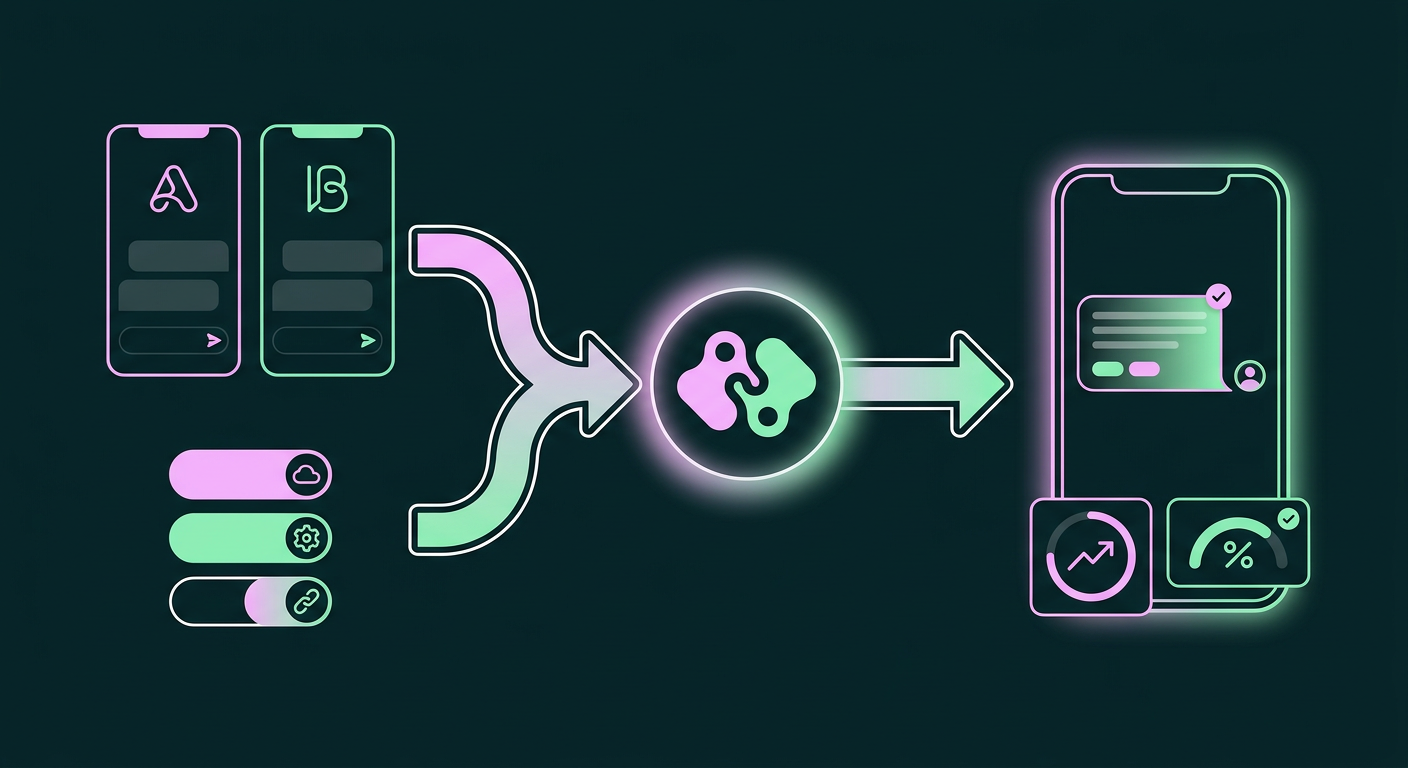
Integrating your Braze instance with Facebook is the best way to stop a common and frustrating source of wasted ad spend: paying to show ads to your own customers. You build a user list, but when you try to reach them through owned channels like email, the messages get lost or ignored. In fact, research shows that nearly four out of five consumers ignore or delete marketing emails (opens in a new tab) from brands at least half the time. This forces you back to paid platforms just to speak with people who have already bought from you, making you pay for access you thought you’d already earned. The fix is to create a direct, automated link between your customer data in Braze and your ad audiences in Facebook. This allows you to suppress existing customers from acquisition campaigns and, just as important, re-engage them on channels they actually use.
Relying on paid retargeting to (opens in a new tab) reach your own customers isn't just a budget leak; it’s a strategic dead end. Every dollar spent to re-acquire a customer who is simply ignoring your emails is a dollar that could have been invested in finding new users. While Facebook's massive user base of 2.41 billion monthly active users (opens in a new tab) makes it a powerful acquisition channel, its value plummets when you’re paying to show ads to people who should be reachable through your CRM. The real damage is the opportunity cost. Your ad budget could be focused entirely on new growth, but instead, it’s being siphoned off to compensate for leaky owned channels. Setting up the integration does require some focused effort, sometimes involving one to six weeks of engineering time depending on the complexity. That initial investment, however, quickly pays for itself by plugging a perpetual drain on your marketing budget and making your entire lifecycle program more effective.
The Real Cost of Unreachable Customers
The financial drain from retargeting (opens in a new tab) existing customers only tells part of the story. The deeper issue is the slow degradation of the customer relationship. When a large portion of your audience has tuned out email, your primary channel for lifecycle messaging, you lose the ability to guide them through their journey. You can't effectively onboard them, notify them of restocks, present VIP offers, or win them back when they lapse. This communication breakdown forces you to treat them like strangers, serving them generic acquisition ads instead of personalized messages based on the rich, first-party data you already have in Braze.
This creates a vicious cycle. You spend money to acquire a customer, who makes a purchase, then vanishes into an email list where they become unresponsive. To get their attention for a second purchase, you have to spend more money on ads, eroding your margin and inflating your customer acquisition cost over time. Your inability to connect with them organically puts you on a perpetual acquisition treadmill, making it impossible to build the long-term loyalty that drives sustainable growth. Breaking this cycle means moving beyond channels with declining engagement and creating a system that reaches customers where they are most active.
How to Sync Braze with Facebook Audiences
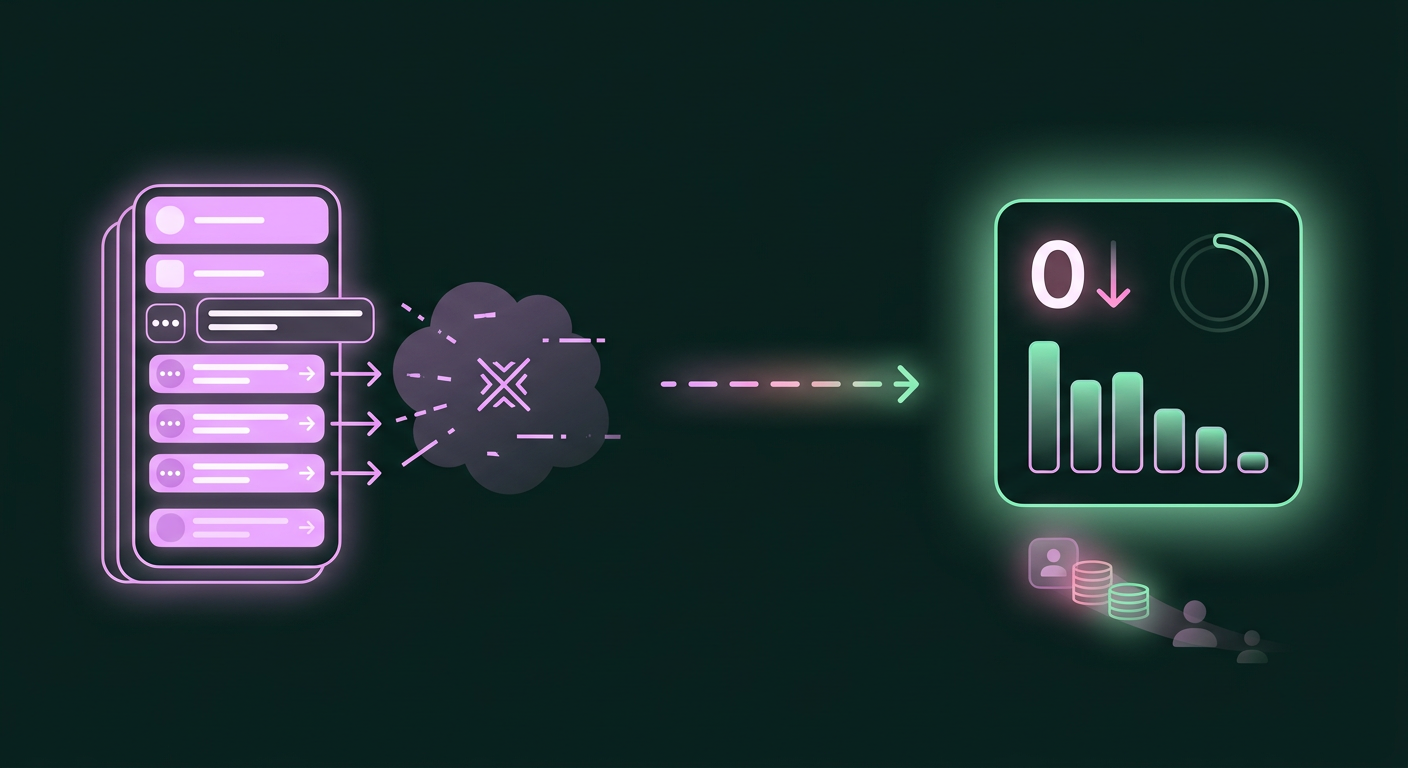
So, what's the path forward? The most effective approach is to create a seamless, automated sync between Braze and Facebook. This lets you use the rich, first-party customer data in your CRM to create highly specific Custom Audiences in Facebook's ad platform. You can then use these audiences for two primary purposes: excluding them from top-of-funnel campaigns so you don’t waste money, and including them in targeted re-engagement campaigns.
The integration uses Braze's Audience Sync feature, which is designed to extend your reach (opens in a new tab) into major advertising ecosystems. Instead of manually exporting CSV files and uploading them to Facebook, a process that's slow, error-prone, and quickly outdated, the integration dynamically updates your audiences as users move through their lifecycle. Here’s how to set it up.
Step 1: Choose Your Integration Type (Messenger vs. Custom Audiences)
Before connecting any accounts, you need to decide which of Braze's two primary Facebook integrations best fits your goal. The Braze Facebook integration supports two main functions (opens in a new tab): Facebook Messenger and Facebook Custom Audiences.
Facebook Custom Audiences is the more common starting point because it directly addresses the problem of wasted ad spend. This feature is what allows you to sync segments from Braze to Facebook's Ads Manager. For example, you can create an audience of "existing purchasers" in Braze and sync it to Facebook to exclude them from your prospecting campaigns. At the same time, you could create a segment of "lapsed high-value customers" and sync it to Facebook to run a specific win-back ad campaign.
The Facebook Messenger integration, on the other hand, is about direct, one-to-one communication. It allows you to use Messenger as a channel within your Braze Canvas journeys to send personalized DMs for things like shipping notifications, cart abandonment reminders, or customer support follow-ups. While both are powerful, starting with Custom Audiences is the foundational step to taking control of your ad spend.
Step 2: Authenticate and Connect Your Accounts
Once you know which integration you're starting with, the next step is establishing the technical connection between the two platforms. This process gives Braze permission to send data to your Facebook Ad Account. To begin, you'll need the right permissions; inside your Braze dashboard, you must have "Admin" level access to manage technology partner integrations.
From there, you’ll navigate to the "Technology Partners" section and select Facebook. The authentication process involves linking your Facebook account and specifying which ad account you want to sync with. Before you can do this, a few prerequisites must be met on the Facebook side: you need a Facebook Business Manager account, an active ad account that you have admin permissions for, and you must have already accepted Facebook's Custom Audiences Terms of Service for that ad account. These requirements ensure your data sharing complies with Facebook's policies and that you have the authority to manage audiences within your business. After connecting, Braze will be able to communicate with Facebook's API to manage your audiences.
Step 3: Build and Sync Your First-Party Segments
With the platforms connected, you can put the integration to work. This is where you use Braze's segmentation capabilities to build the precise customer lists you want to sync. Using the Audience Sync component within a Braze Canvas, you can dynamically add or remove users from a Facebook Custom Audience as they meet certain criteria. For example, when a user makes their first purchase and is added to a "Customers" segment in Braze, the integration can automatically add them to a corresponding "All Customers" Custom Audience in Facebook. You can then set this audience to be excluded from all your awareness and acquisition campaigns.
Because Braze's Audience Sync dynamically and securely syncs first-party data into the advertising ecosystem, you aren't relying on static, manual uploads. If a customer who was in a "lapsed" segment makes a new purchase, your Braze logic can automatically remove them from the "Lapsed" segment and the corresponding Facebook audience, ensuring your ads are always relevant. One crucial detail to remember is that Facebook requires any Custom Audience to have at least 1,000 users before it can be used for advertising. This means your initial syncs should focus on building meaningful, sufficiently large segments, like "All Purchasers in the Last 180 Days" or "Users Who Have Abandoned a Cart."
Common Watchouts and Technical Hurdles
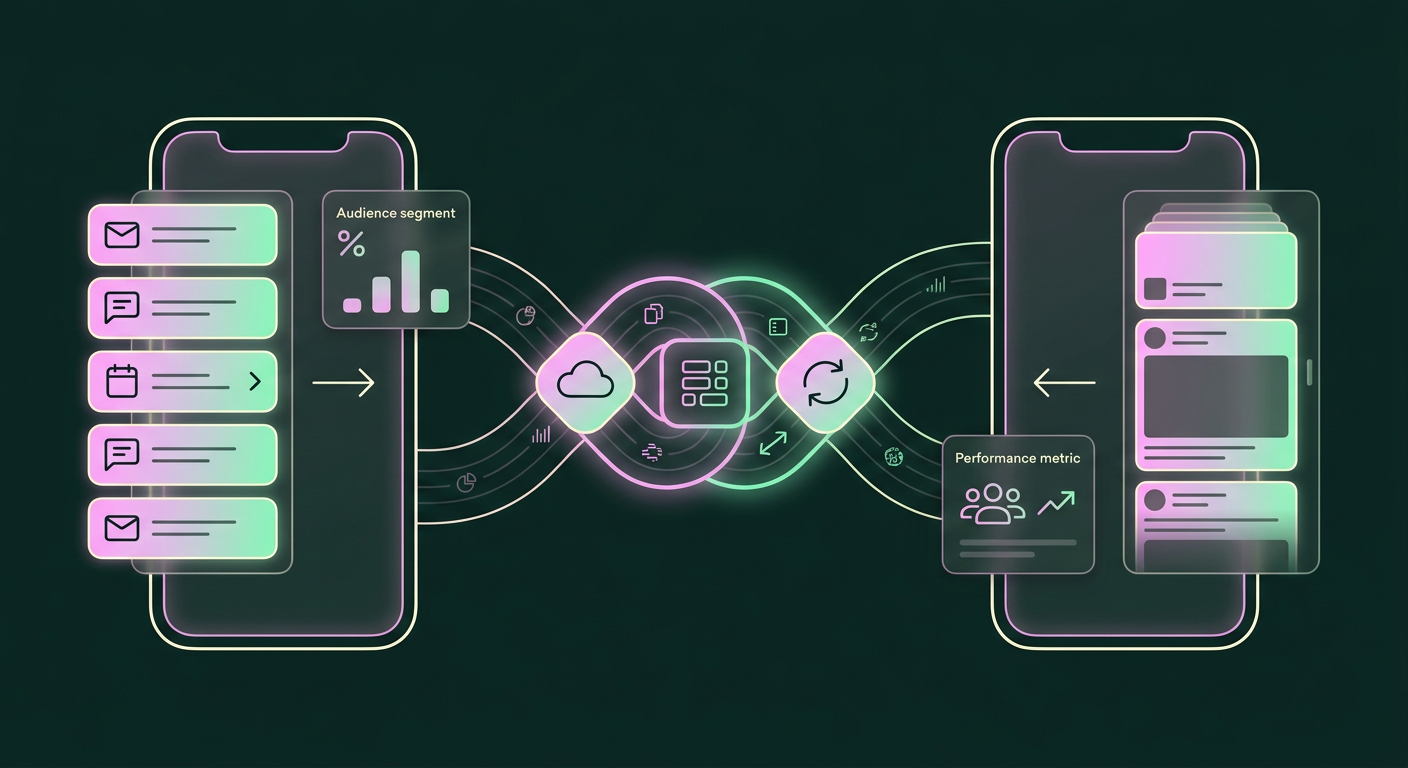
While the process is fairly direct, a few common complexities can trip up teams that aren't prepared. With a bit of foresight, they are easily managed.
The first and most immediate hurdle is that audience size requirement. If you try to sync a highly niche segment from Braze with only a few hundred users, Facebook won't allow you to use it for targeting or exclusion as a way to protect user privacy. When planning your segments, always aim for a minimum of 1,000 users. If your initial segments are too small, consider broadening the criteria, for example, "purchased in the last 90 days" instead of "the last 30 days," to meet the threshold.
Another technical detail to track is Facebook's API rate limits. To prevent system overload, Facebook limits how much data can be sent to its platform within a given timeframe. Braze's default configuration for Facebook audience syncs is set to stay well within these limits, processing up to 190,000 ad accounts per hour. In the rare event this limit is reached, Braze will automatically retry the sync for up to 13 hours. For most brands, this is a non-issue. For enterprises with extremely large and rapidly changing user bases, however, it's a factor to be mindful of during initial large-scale syncs. Finally, remember that even with a streamlined user interface, the initial setup does require some technical know-how. As noted, a typical integration can take some engineering involvement, so be sure to loop in your development team early to help with API configurations and data mapping.
What 'Done' Looks Like: From Ad Spend to High-Engagement DMs
Once you've navigated the setup, you have a completely new way of engaging customers. The immediate win is financial: your Facebook acquisition campaigns stop wasting impressions on people who have already converted. Your ad spend becomes more efficient, your cost per acquisition for new customers improves, and you have a clearer picture of your marketing performance. But the benefits extend far beyond just saving money on ads.
With your customer segments accurately synced, you can move from inefficient retargeting to high-value re-engagement. Instead of showing a generic ad to a lapsed customer, you can now use the Messenger integration to send a personalized 1:1 DM with a special offer based on their purchase history. This shift transforms your communication from a one-way broadcast into a two-way conversation. While emails get ignored, DMs get opened. The open rate for direct messages is 80%+, with some channels like WhatsApp hitting 90-98%. This translates directly into a better bottom line, as conversion rates from DMs are typically 3 to 5 times higher than from push notifications. By connecting Braze and Facebook, you stop paying to talk to your customers and start connecting with them in a channel that drives real results and strengthens the relationship. This is how you can finally increase customer lifetime value and cut ad waste for good.
Frequently asked questions
How can I reach my customers who never open marketing emails?
The best way to reach customers who ignore emails is to connect with them on channels where they are already active, like Facebook Messenger or Instagram DMs. So many consumers automatically ignore or delete marketing emails, which makes direct messaging a more immediate and personal alternative. Integrating a CRM like Braze with these platforms allows you to send lifecycle messages, like purchase confirmations or special offers, directly into their messaging inboxes, where open rates are significantly higher.
Why should I use the Braze Facebook integration instead of just uploading a CSV?
Using the Braze Facebook integration is far better than manually uploading a CSV because it's dynamic and automated. A CSV audience is static and becomes outdated the moment a user's status changes. In contrast, the Braze Audience Sync feature dynamically updates your Facebook audiences in real time. For example, if a customer in your "Lapsed Users" segment makes a purchase, the integration automatically removes them from that audience, ensuring your messaging is always timely and relevant without any manual intervention.
How do I reduce my ad spend on Facebook for customers who have already bought from me?
You can reduce ad spend by using the Braze Facebook integration to create a Custom Audience of all your existing customers. Once this audience is synced from Braze to Facebook, you can set it as an exclusion in all of your top-of-funnel acquisition campaigns. This stops you from paying to show ads to people who have already converted. This feature lets you retarget users who might be unreachable through owned channels more strategically while preventing wasteful spending.
Are DMs on Facebook and Instagram really more effective than email for marketing?
Yes, for many types of customer communication, DMs are significantly more effective than email, mainly because of engagement. While marketing email open rates often struggle to get above 20%, direct message open rates are consistently 80%+, with some platforms like WhatsApp reaching as high as 98%. This massive difference in visibility leads to much better performance, with DM campaigns typically generating conversion rates that are 3 to 5 times higher than those from push notifications.
What's the best way to set up automated DM campaigns after a purchase?
The best way is to use an integration between your CRM and a messaging platform. For example, the Braze integration with Facebook Messenger and WhatsApp lets you build automated campaigns directly within your customer journey Canvases. You can trigger a personalized DM to be sent immediately after a user completes a purchase to thank them, provide order details, or offer a discount on their next purchase. This creates a helpful, conversational experience that feels personal and immediate.
What are the technical requirements for connecting Braze to my Facebook Ad Account?
To connect Braze to your Facebook Ad Account for audience exports, you need a few key things. On the Facebook side, you must have a Facebook Business Manager account and an active ad account where you have administrative permissions. You must also accept Facebook's Custom Audiences Terms for that specific ad account. On the Braze side, the integration uses the Braze API to communicate with Facebook, but the connection process is managed through the partner integration interface, which makes the setup relatively straightforward for an administrator.