
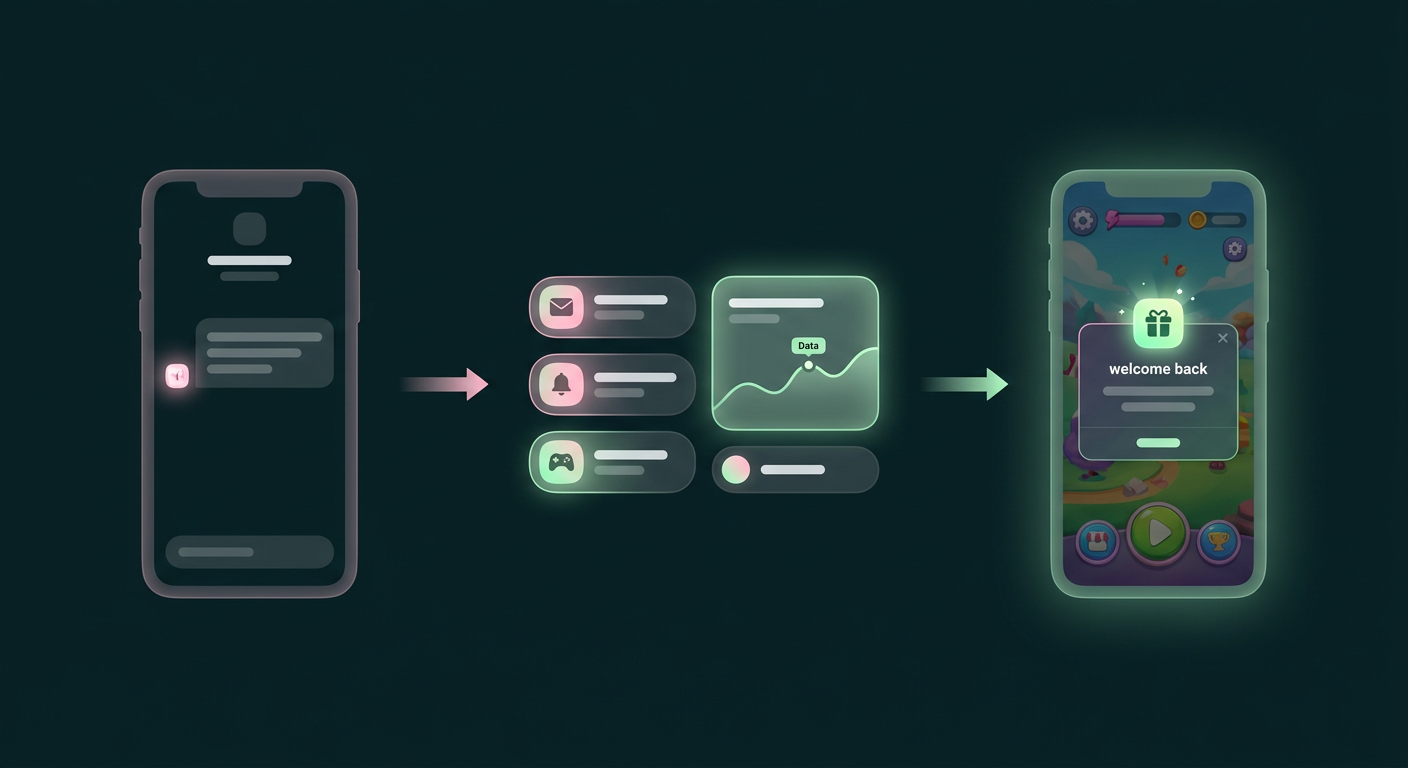
For any mobile game, winning back lapsed players is a constant struggle. You can launch a reactivation campaign with a "we miss you" push notification and a generic email, but the impact on your churned user base is almost always minimal. The problem isn't the effort; it's the approach. When your player data, churn signals, and live-ops context are siloed in different systems, it's impossible to send a message that feels personal, timely, and relevant. This guide offers a different method: a data-first playbook for building a smarter reactivation strategy that connects player behavior to individualized messaging, turning one-off campaigns into an automated engine that brings players back for good.
Why Your Win-Back Campaigns Aren’t Working
The fundamental reason your win-back campaigns are failing is that they treat all lapsed players the same, relying on generic, one-size-fits-all messaging that gets ignored. These campaigns typically consist of a simple push notification or email sent to every player who hasn't opened the app in 30 days, without considering why they left or what might entice them to return. This approach ignores the vast differences between a player who completed the tutorial and disappeared, and a high-value player who was a daily user for six months before becoming inactive.
The goal of any reactivation effort is to reignite interest among inactive clients (opens in a new tab), but that can't be achieved with generic communication. For a mobile game, effective reactivation requires understanding a player's specific journey and context. Did they get stuck on a difficult level? Did they run out of in-game currency? Were they a dedicated player who simply got distracted by a new game? Without this context, your message is just noise. The real issue is often technical and organizational, since your game’s event data lives in one place, your player profiles in another, and your messaging tools in a third. This disconnect forces you into a lowest-common-denominator approach that produces predictably low results.
The Real Cost of Losing a Player
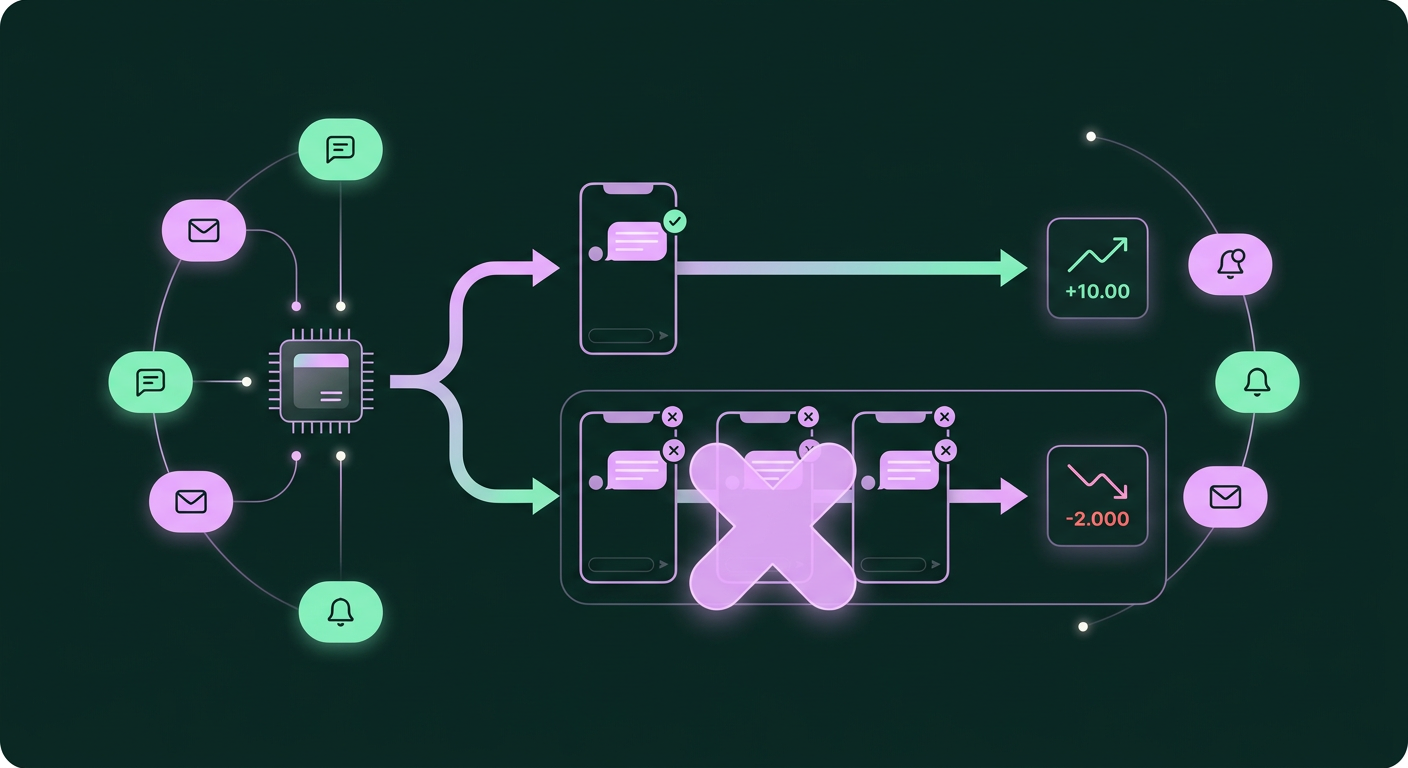
Focusing on reactivation is critical because winning back a lapsed player is significantly more cost-effective than acquiring a brand new one. While user acquisition is a necessary and constant expense, it involves convincing a complete stranger to download, install, and invest time in your game. A lapsed player, in contrast, is already a warm lead. They've overcome the initial friction of discovery and installation and are familiar with your game's core loop, characters, and brand.
This existing familiarity means you don't have to start from scratch, and reactivating these customers is often more budget-friendly (opens in a new tab) because they have a proven affinity for your product and are more likely to convert again with the right incentive. The numbers bear this out. According to research from Marketing Metrics, businesses have a 20 to 40 percent chance of winning back a lost customer, compared to just a 5 to 20 percent chance of turning a lead into a paying customer. Every player who churns represents not just lost potential revenue but also a wasted acquisition cost. By shifting some focus from pure acquisition to intelligent reactivation, you can create a more sustainable and profitable player lifecycle.
A Better Way: A Data-First Reactivation Playbook
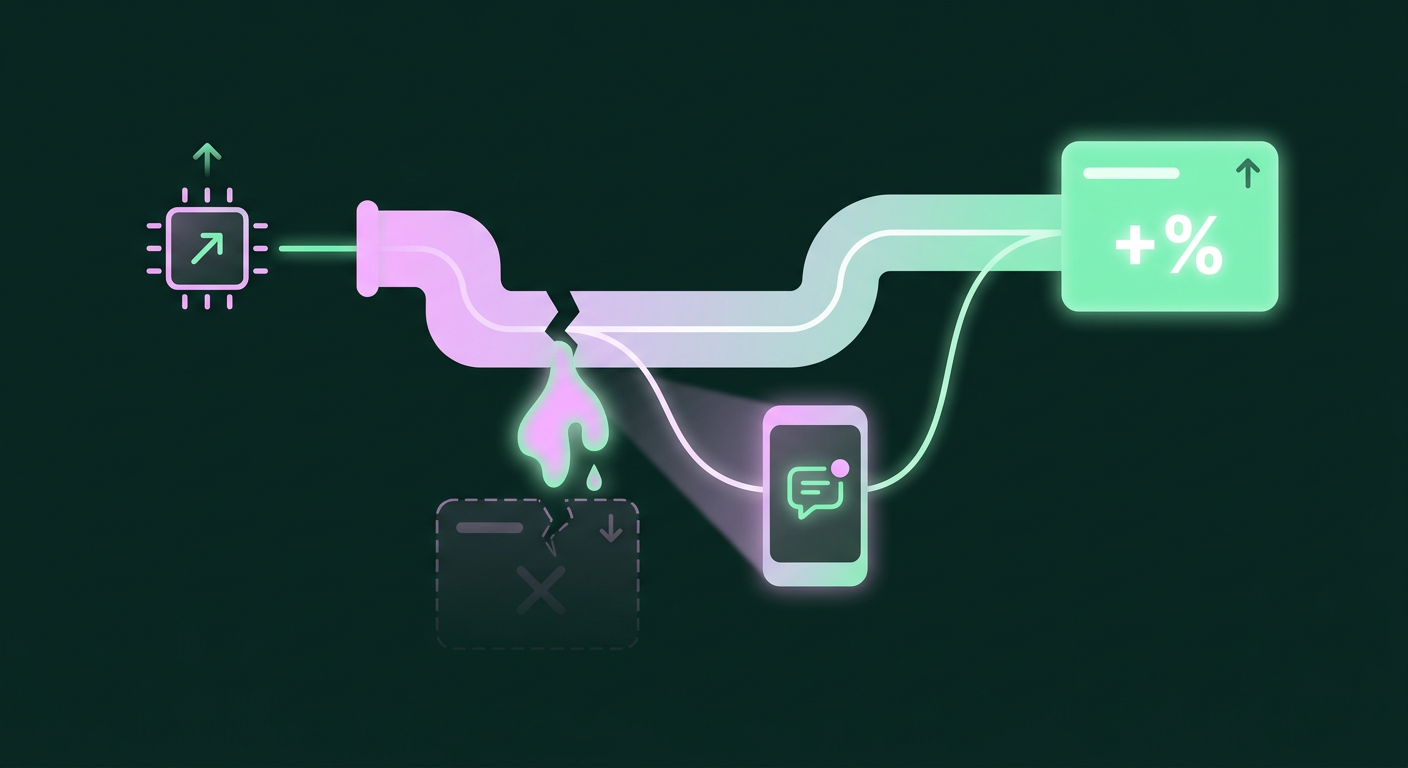
Instead of starting with the message, a successful customer reactivation campaign begins with your data, which lets you build precise player segments and match them with the right message on the right channel. This data-first approach turns reactivation from a guessing game into a strategic process. When you understand how a player behaved before they churned, you can craft personalized hooks that speak directly to their in-game experience, dramatically increasing the odds they’ll return. The process breaks down into three core phases: segmenting your audience, connecting data to channels, and designing targeted messages.
Step 1: Define Your "Lapsed" Player Segments
The first step is to accept that "lapsed" isn't a single category. To build an effective campaign, you have to segment your inactive players based on their past behavior, using meaningful in-game actions and milestones. For example, a player who uninstalled after three days is fundamentally different from a VIP who made multiple purchases but hasn't logged in for a month.
Start by defining what "lapsed" means for different cohorts. Is it 14 days of inactivity for a new user but 45 days for a veteran? Your segments could include:
- Early Drop-offs: Players who churned within the first 72 hours, possibly during or just after the tutorial.
- Casual Players Gone Quiet: Users who logged in semi-regularly but never made a purchase and have been inactive for 30+ days.
- Churned Spenders: Players who previously made in-app purchases but have not logged in or spent money in a set period (e.g., 60 days).
- Level Blockers: Players whose last session ended repeatedly on the same difficult level.
Creating these granular segments lets you move beyond a simple last_seen timestamp and begin to form a hypothesis about why each group left. This segmentation is the foundation for any meaningful personalization and is a key step toward improving long-term engagement and helping you increase customer lifetime value without more ads (opens in a new tab).
Step 2: Connect Player Data to Messaging Channels
Once you have your segments, the next challenge is to act on them by connecting your player data directly to your messaging tools. These segments are only useful if they can trigger a message on a channel where the player will actually see it. Relying solely on push notifications is a losing battle, since players may have disabled them or uninstalled the app entirely, while email is often too slow and gets lost in crowded inboxes.
This is where direct messaging (DM) channels like Instagram DMs, WhatsApp, and Messenger become so powerful, as these are the apps where players already spend their time and engage with friends. The key is to build a system where an event in your player database, such as a user entering the "Churned Spenders" segment, can automatically trigger a personalized 1:1 message. Effective campaigns rely on coordinated messaging across multiple channels, each serving a specific purpose. For example, a DM could deliver a time-sensitive offer, while an email could follow up with a more detailed "what's new in the game" summary. By exploring different use cases for automated messaging (opens in a new tab), you can build a reliable system that reaches players in the right place at the right time.
Step 3: Design and Test Your Message Hooks
With segments defined and channels connected, you can finally focus on the message itself. Because you did the data work upfront, you can now craft specific, compelling hooks tailored to each segment's likely motivation. Generic "we miss you" messages are out; targeted offers and updates are in.
For the Early Drop-offs, you might send a DM with a helpful tip for the level they were stuck on or offer a small bundle of free currency to get them going again. For the Churned Spenders, a more aggressive offer might be appropriate, such as an exclusive discount on their favorite in-game item or a "welcome back" bundle with significant value. For the Casual Players, a message highlighting a new game mode, a major content update, or a community event could be enough to spark their curiosity.
The crucial part of this step is to treat it as a series of experiments instead of launching one message and hoping for the best. Test different variables:
- The Offer: Does a discount work better than free items?
- The Copy: Is a short, direct message more effective than a longer, more descriptive one?
- The Timing: Is it better to reach out after 14 days of inactivity or 30?
By continuously testing and measuring the re-engagement rate for each variant, you can refine your playbook and discover what truly motivates each of your player segments to return.
Where Reactivation Campaigns Go Wrong
Most reactivation campaigns fail due to a few common, avoidable mistakes: using generic messaging, ignoring channel permissions, and failing to test and iterate. Even with the best intentions, a campaign can fall flat if it stumbles into these predictable traps. Being aware of them from the start can save you significant time and resources while improving your results.
The most common error is sending the same impersonal message to everyone. A "we miss you" push notification provides no value and gives the player no compelling reason to return, because it fails to acknowledge their history with the game and feels like a low-effort attempt. The second major pitfall is ignoring channel consent and viability. For example, sending a push notification is useless if the player has uninstalled the app. Similarly, sending emails to users who signed up with a throwaway address is often a waste of time. You must focus your efforts on channels where you have permission to contact the user and where they are likely to be active, like DMs.
Finally, many teams fail because they treat reactivation as a "set it and forget it" campaign, launching a single message with a single offer and never looking back. Without a structured approach to testing audience segments, message copy, and timing, you have no way of knowing what's working and what isn't. An effective strategy for re-engaging inactive users in your community app (opens in a new tab) or game requires a commitment to ongoing experimentation and optimization.
What "Done" Looks Like: An Automated Win-Back Engine
Ultimately, the goal is to move beyond one-off campaigns and build a self-sustaining, automated win-back engine that continuously re-engages players with personalized outreach. This "done" state isn't a single completed campaign but rather an intelligent system that runs in the background, identifying at-risk players and delivering the right message at the right moment to bring them back. It turns reactivation from a reactive chore into a proactive, measurable part of your growth strategy.
In this ideal state, your player data and messaging systems are fully integrated. When a player's behavior triggers a churn risk flag, for example, a paying user becomes inactive for 14 days, the system automatically initiates a pre-defined but personalized messaging sequence. It might start with a friendly DM on Instagram highlighting a new feature, and if that doesn't work, follow up a few days later with a special offer via WhatsApp. As defined in a 2024 guide from Churnkey, these campaigns are targeted multi-channel marketing efforts (opens in a new tab) designed to restore active usage and recover revenue. The engine should also measure the performance of each step, allowing you to see which messages and offers are most effective for which player segments.
A customer reactivation campaign centers on reigniting interest among inactive clients, offering a treasure trove of potential revenue with minimal investment. , timify.com
This automated approach allows you to scale your efforts far beyond what a marketing team could do manually. While benchmarks can vary by industry, some data suggests that database reactivation campaigns can recover 5-15% of dormant leads on average, providing a useful reference point for what's possible. By building an automated engine, you create a powerful positive feedback loop: the more you test and learn, the smarter the engine becomes, and the more efficiently you can convert lapsed players back into active, engaged members of your game's community.
Frequently asked questions
How should I pilot a personalized reactivation campaign for my mobile game?
Start small with a well-defined segment instead of targeting all lapsed players at once. Choose one specific group, such as players who completed the tutorial but churned within the first week, and form a clear hypothesis for why they left (e.g., they found the next levels too difficult). Then, design a single, targeted intervention, like a DM with a small grant of in-game currency or a direct link to a guide for the level they were on. By measuring the re-engagement rate of this small group against a control group that receives no message, you'll get clean data and valuable insights before you scale.
How can my team test the audience, timing, and copy in a player win-back campaign?
Implement A/B testing systematically, isolating one variable at a time to ensure your results are clear. To test the audience, send the same message and offer to two different segments (e.g., lapsed spenders vs. lapsed non-spenders) and see which is more responsive. To test timing, send the same message to a single segment at different intervals, such as 14 days versus 30 days of inactivity. To test the copy, try two different message hooks on the same audience at the same time, perhaps one emphasizing a new feature and another offering a discount.
Which metrics do I need to build useful player segments for reactivation?
To build effective segments, go beyond just the last_login_date. Key metrics include days since first install, tutorial completion status, last level played, session frequency, and lifetime spend. You should also track behavioral data like in_app_purchase_date or social_feature_used. Combining these metrics allows you to create nuanced segments like "High-Value Players Inactive for 30 Days" or "New Users Who Dropped Off at Level 5," which are far more actionable than a generic "inactive" bucket.
How can I turn our player retention data into targeted messaging experiments?
Use your retention data to identify key drop-off points in your player journey. For instance, if you see a significant number of players churning after reaching level 10, that's a clear signal to create an experiment. Form a hypothesis like, "Players are churning at level 10 because it's a sudden difficulty spike." Then, design a message to address it. You could set up an automated trigger to send a DM with a pro-tip or a free power-up to any player who has been stuck on level 10 for more than 24 hours, then measure whether this targeted intervention improves the pass rate and 7-day retention for that cohort.
How can I use behavior signals to intervene before a player churns?
Proactive intervention relies on identifying pre-churn behavior by looking for negative changes in engagement patterns. For example, a player whose session frequency drops from daily to weekly, or a spender who hasn't made a purchase in their typical cycle, is a clear churn risk. You can set up automated triggers based on these signals. If a player's session length decreases by 50% over a week, you could automatically send them a personalized message highlighting an upcoming event or a new feature to reignite their interest before they become fully inactive.
Which player events should trigger outreach after someone drops off early?
For players who drop off early, the most important triggers are related to tutorial progression and core loop engagement. Key events to track are tutorial_step_failed, first_session_ended, and soft_currency_depleted. If a player fails the same tutorial step three times and then exits, that's a perfect trigger for a helpful DM. If a new player's first session is less than two minutes long, a follow-up message inviting them back to complete their initial setup could be effective. Likewise, if they burn through their starting currency and leave, a trigger offering a small free refill can remove that initial friction.